
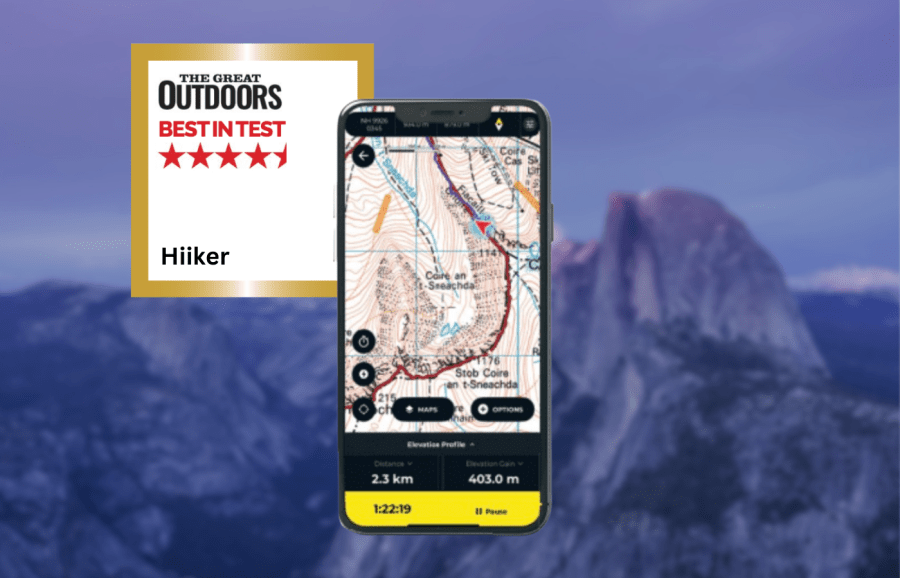
James Roddie awards the Hiiker app his Best in Test. Find out what’s changed after excellent updates to the app.
There have been a number of significant updates to the Hiiker app since our last review in 2023, resulting in an excellent hiking app. Previously the rendering of the Ordnance Survey map layer was poor, but it is now as detailed as you will find anywhere.
James Roddie’s Best in Test
Overall, this is now a well-rounded and powerful app for navigation and route-planning, with a wealth of detailed mapping and useful features.- Wide range of topographic maps
- Heavily customisable
- Excellent customer support
- Some map overlays (e.g weather) in need of improvement
| Quick specs |
|---|
| Cost: Free, or £20.99 for first year, £29.99 annually thereafter. £4.99 monthly. Platforms: iOS, Android, Web browser Maps: Topographic and hiking maps for Europe, USA and New Zealand. Aerial layer, 3D mapping, historical OS maps. OpenStreetMap. Features: Route-planning with trail stages, track recording, offline map/route downloads, off-route alerts, GPX import/export, curated route database. Sync with smartwatches. Offline? Yes. No snap-to-path while offline. hiiker.app |
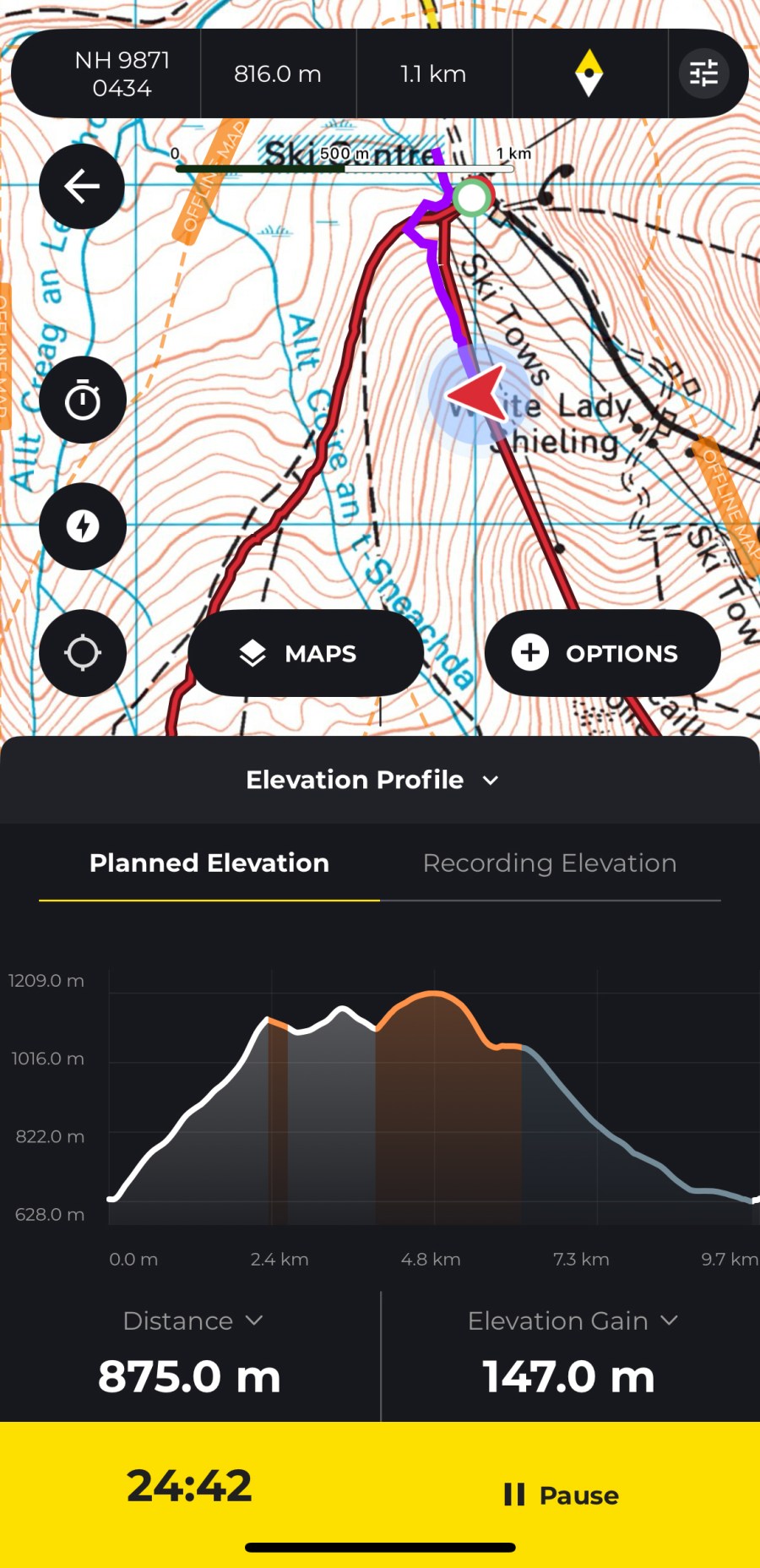
The route planning system has been overhauled, allowing more detailed planning with features such as route stages. This now makes it a powerful app for planning complex long-distance routes. The entire user interface feels modernised and smoother to use, and importing GPX files is now a simpler experience.
There has been a price drop for the subscription to £20.99 for the first year for new users. Using the Hiiker app without a subscription allows basic offline map downloads, access to Hiiker’s curated trail database and basic route planning, but no access to detailed topographic maps, advanced planning or the ability to print maps.


A stand-out feature is the sheer range of topographic and hiking maps available for much of Europe, and other regions including the USA and New Zealand. These include OS, Harveys, Swiss Topo, IGN, USGS and Kompass. Cartophiles will also love the addition of a historical OS map layer.
There are some new map overlays available, including weather and slope angle. I found these to be quite lacking. The slope angle overlay is intended to help identify areas of severe terrain, but I have found it to be inconsistent and in need of improvement.
It’s also heavily customisable. I like the ‘quick action’ function, allowing you to assign any action to a map button. Other useful features include 3D mapping, a live locator function and off-route alerts.
Overall, the Hiiker app is now well-rounded and powerful for navigation and route-planning, with a wealth of detailed mapping and useful features.
How we tested
James tested these apps across the Scottish Highlands, Patagonia and the Balkans. Tests were performed on an iPhone with an up-to-date version of iOS. Weather forecasting apps were tested in both mountainous and lowland locations. You can compare this with other in our guide to the best hiking apps.
This review was first published in the July issue of The Great Outdoors.