
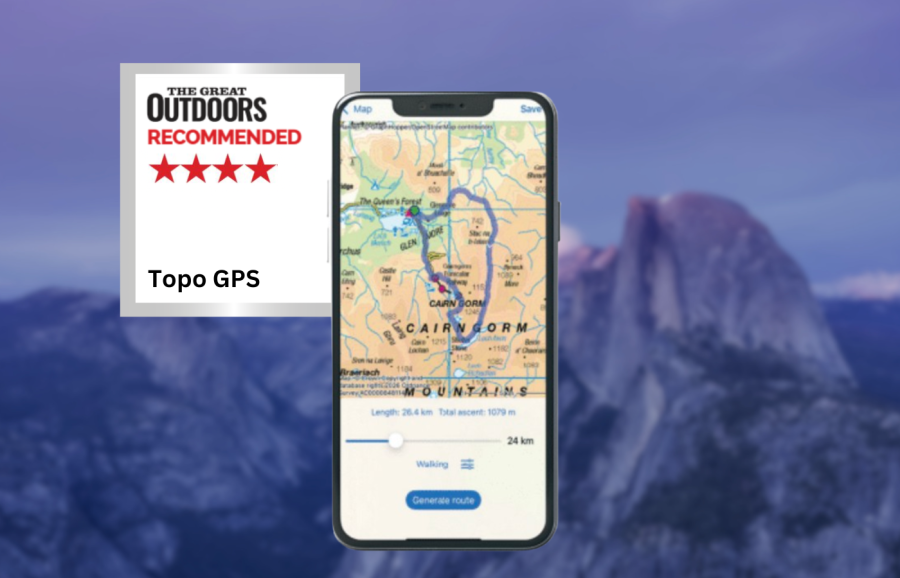
Topo GPS has a deserved reputation for stability, says tester James Roddie.
First impressions of the Topo GPS app might be that this is a relatively basic navigation app, but there is more functionality here than first meets the eye.
James Roddie recommends
If you don’t require social features, this is a powerful app which can be a highly affordable option in many use cases.- no subscription required
- simple interface
- stability
- cost can add up if used in multiple countries
- no social features
| Quick specs |
|---|
| Cost: Varies by country. Individual map tiles available to purchase for UK and Belgium (available from the App Store) Platforms: iOS, Android Maps: OS 1:50K and 1:25K. Topographic maps for much of Europe. OpenStreetMap. Features: Track recording, offline map tile downloads, GPX import/export, off-route alerts, generate route function, add photos to waypoints. Offline? Yes. No snap-to-path whilst offline. topo-gps.com |
The user interface is fairly simple – this does not have the modernised aesthetic of some navigation apps, and some users may not find it intuitive to use in comparison. However, it doesn’t take long to find your way around, and it quickly becomes very easy to use.
Topo GPS has a deserved reputation for stability, and this may in part be due to the ‘stripped down’ interface. There are minimal social features. You are able to share routes to a public library, but there are no user profiles or the ability to rate routes for example.
A standout feature of Topo GPS is the ability to purchase individual map tiles, rather than being forced into a subscription. If you mainly hike in one area, Topo GPS can be a highly affordable option for detailed topographic mapping. This option only applies to the UK and Belgium however. You have to purchase other maps on a country-by-country basis, so the cost can build up fairly rapidly if you hike in multiple different countries.
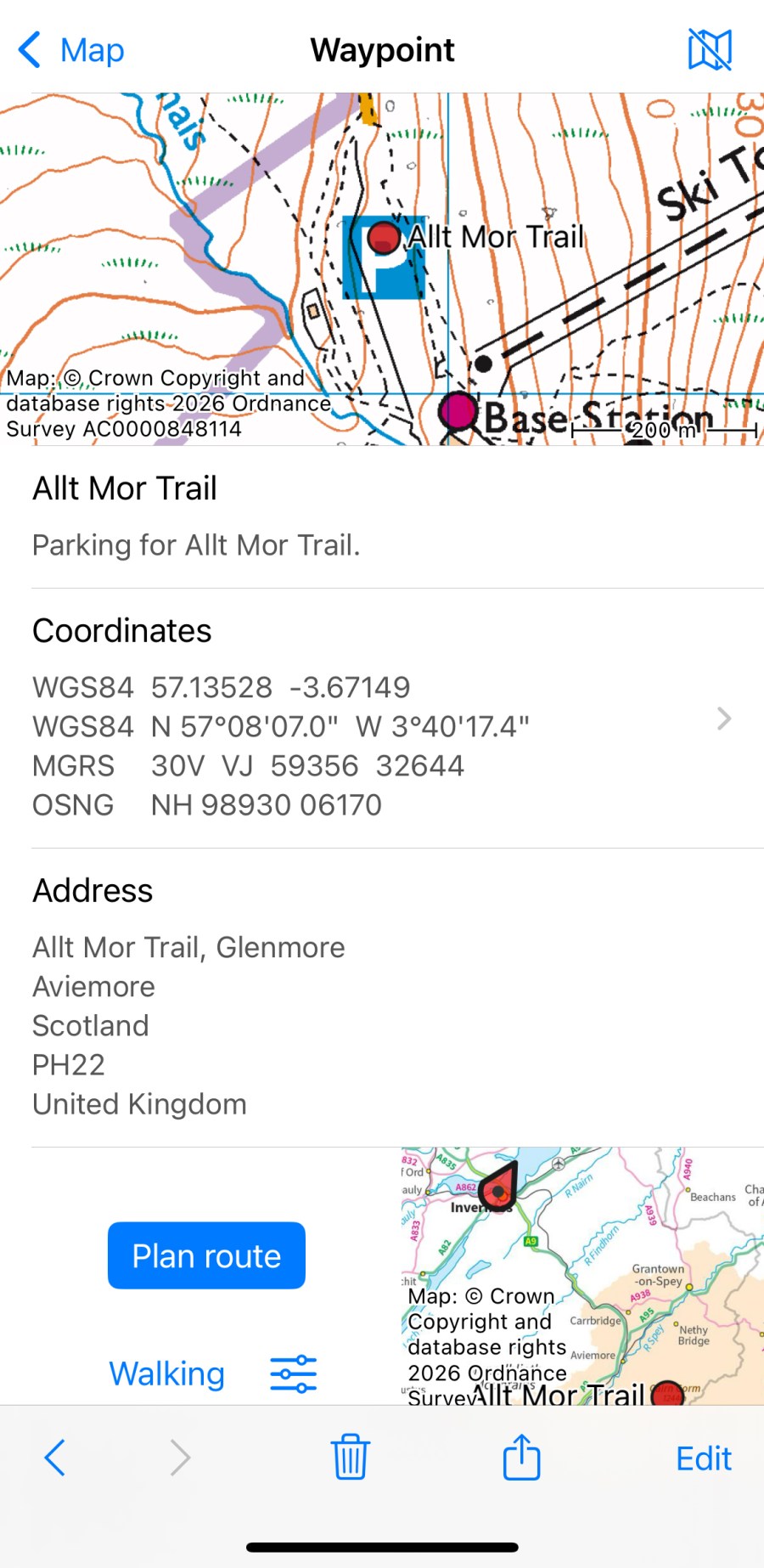
This is an excellent app for offline usage. I appreciate that the app clearly informs you of the size of map downloads, your current use of storage, and your available space. Route plotting feels precise and straightforward. The location search function is superior to that found in some competitors, and it will compensate for spelling errors in many cases.
The ‘generate route’ function is useful. This automatically generates circular routes of customisable distance from any chosen point and is useful for inspiration. If you don’t require social features, this is a powerful app which can be a highly affordable option in many use cases.
How we tested
James tested these apps across the Scottish Highlands, Patagonia and the Balkans. Tests were performed on an iPhone with an up-to-date version of iOS. Weather forecasting apps were tested in both mountainous and lowland locations. You can compare this with other in our guide to the best hiking apps.
This review was first published in the July issue of The Great Outdoors.